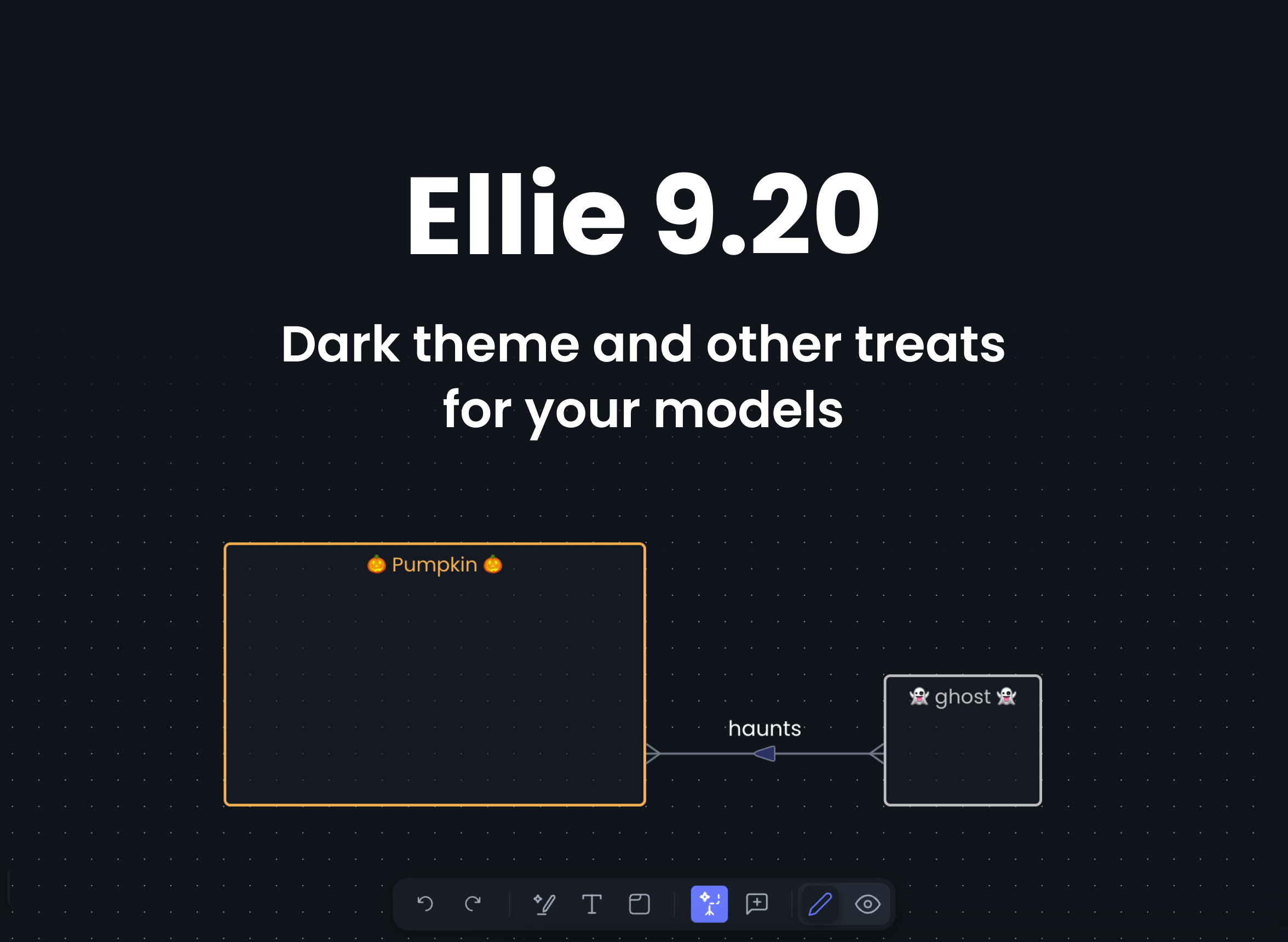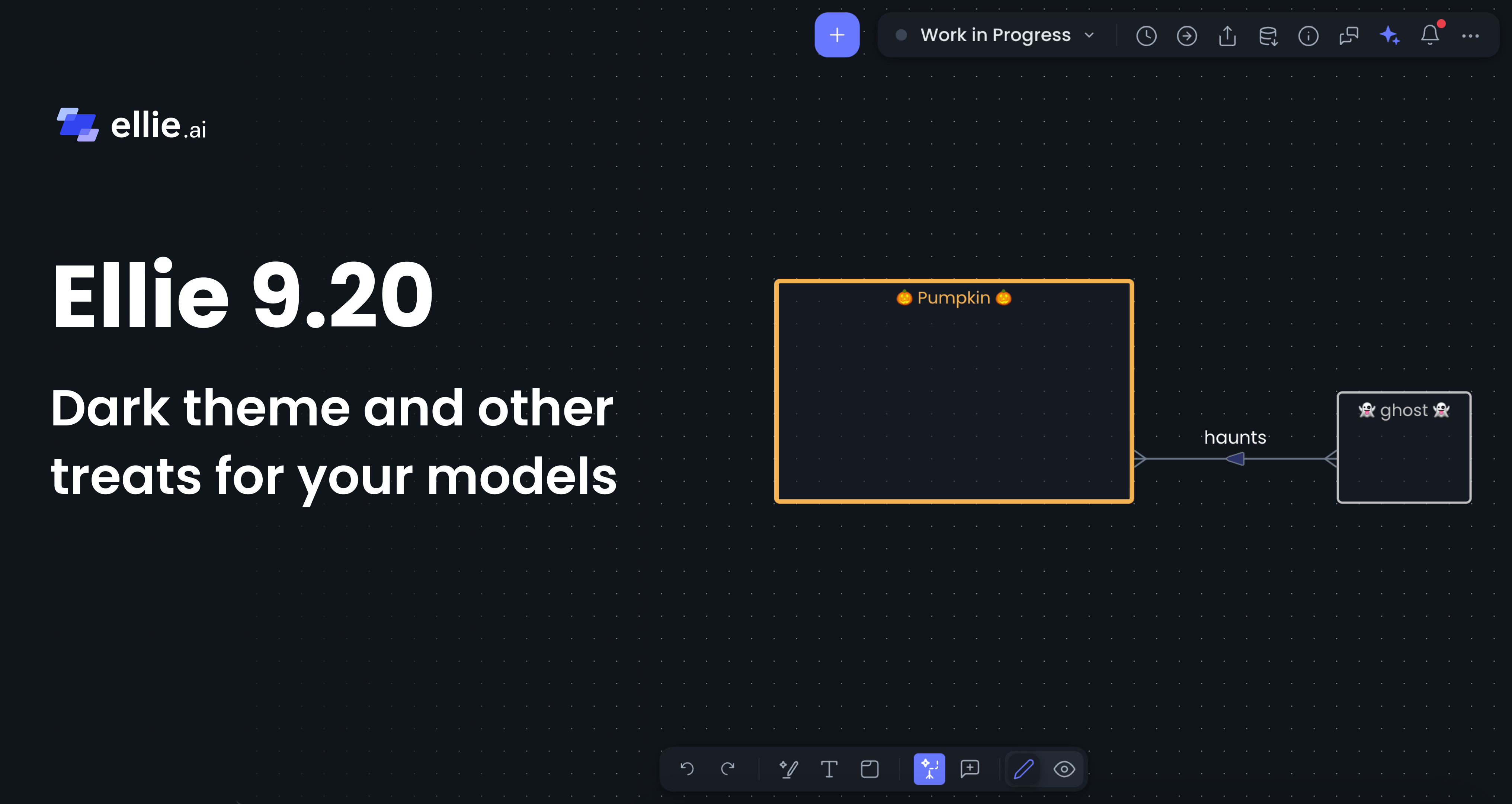

If the light theme in Ellie distracted you from getting into the Halloween mood, come and get your treat. In this release, we brought some darkness to Ellie.
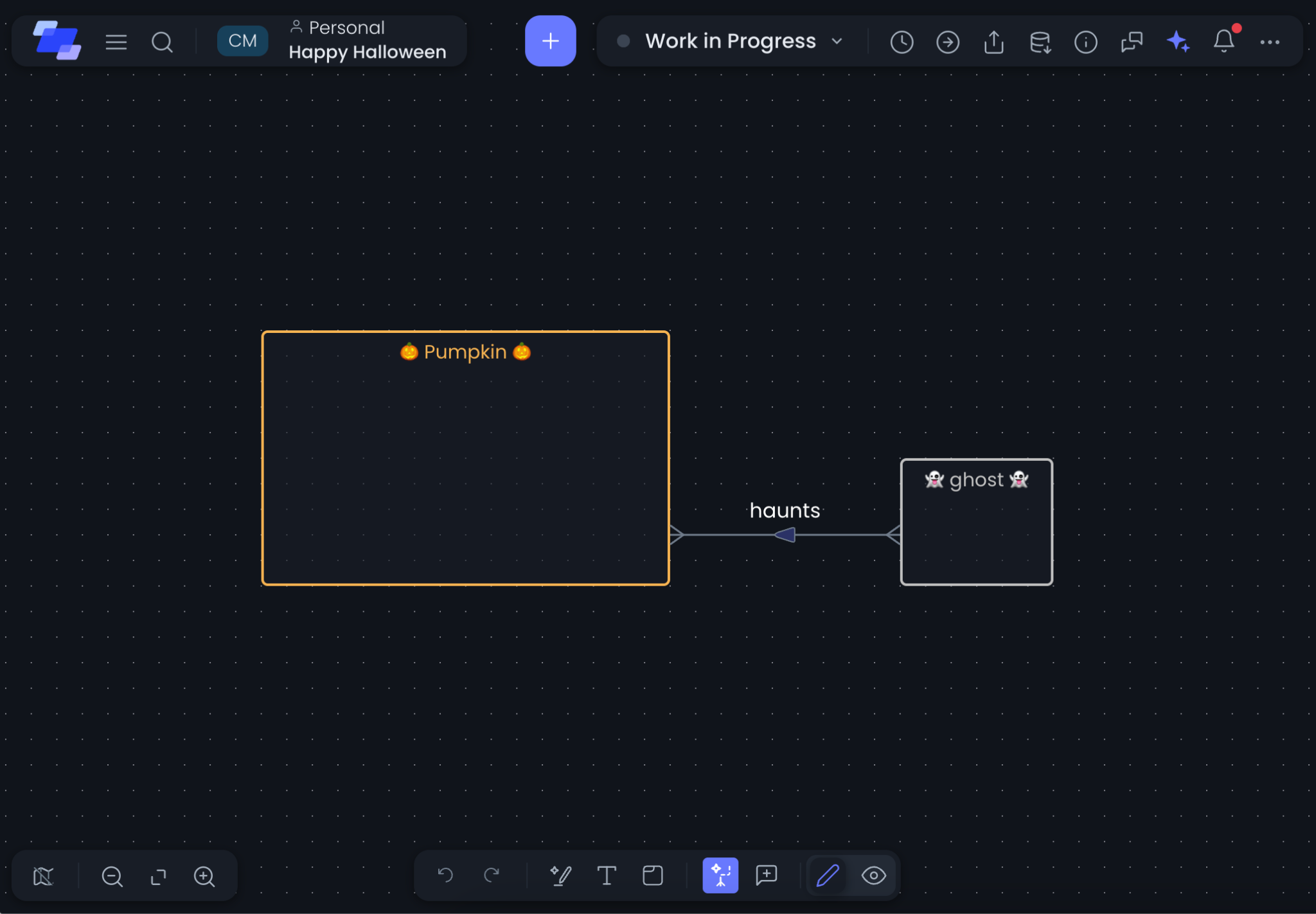
There are many reasons to love a dark theme. For some, it is a lifestyle; for others, it is a comfort during darker winter days. Whatever your reason, your models and the rest of Ellie are now much easier on the eyes — and ready for Halloween 🎃👻:
The Theme switcher is now available in your user menu. Click your avatar in the top bar and choose between Light, Dark, or Same as system.
Another treat in this release is Snap to grid. We used it to align the ghost with the pumpkin, and now you can do the same across your models. Every model deserves neatly aligned entities, and the canvas grid helps you get there effortlessly.
You have full control over how it works — toggle Show grid and Snap to grid on or off from View settings whenever you need them.
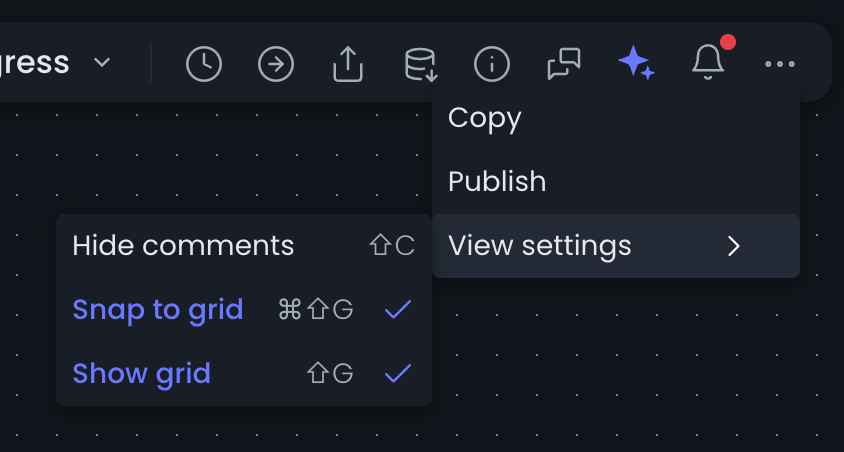
When snapping is enabled, moving and resizing elements aligns cleanly with the grid, so that tiny 1-pixel offset is gone for good.
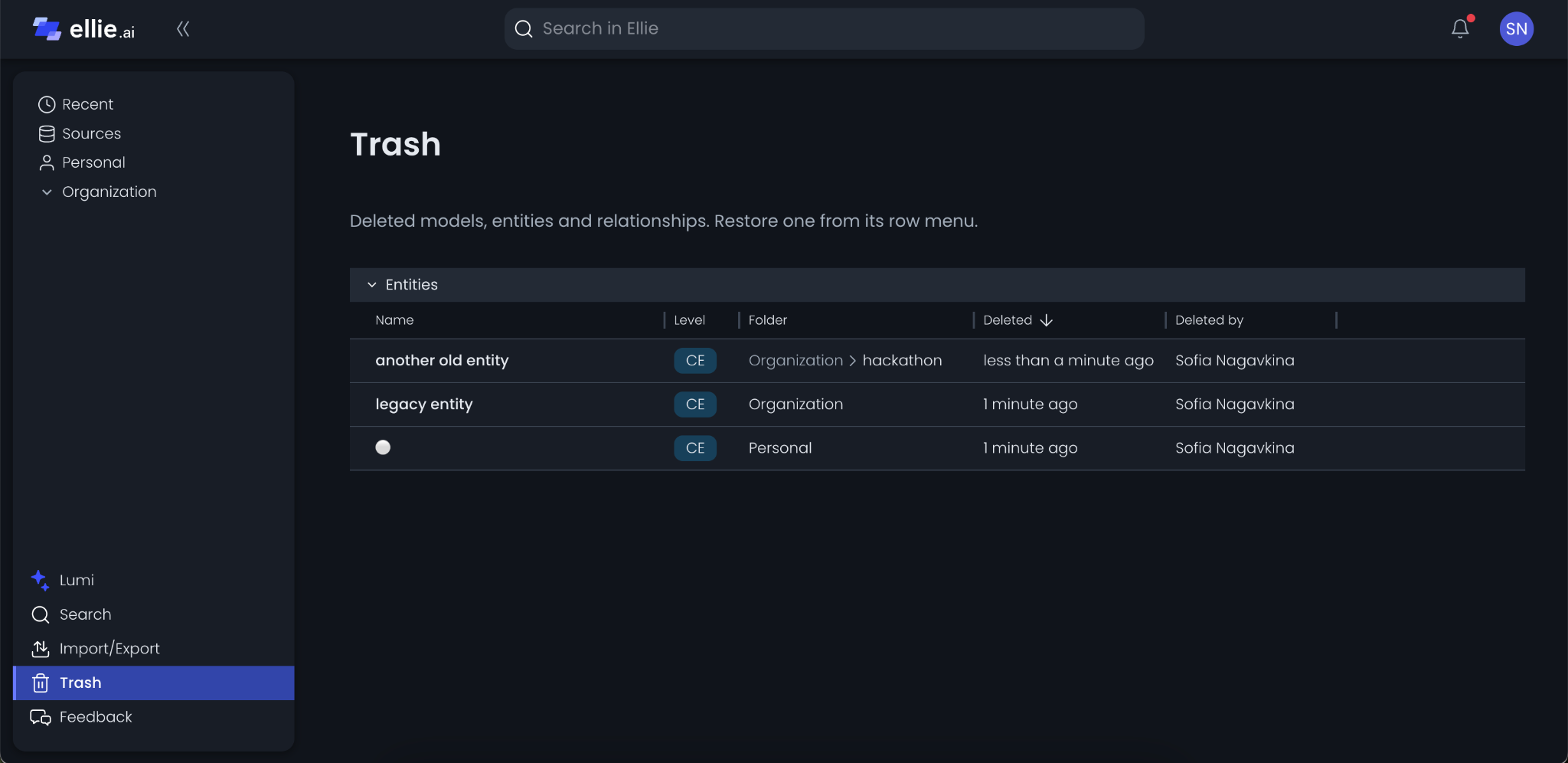
Last but not least, deleted assets no longer disappear right away — when you delete a model, glossary entity, or glossary relationship, it now moves to Trash in the left sidebar.
In Trash, you can see all deleted assets from folders you can edit, along with their original folder, when they were deleted, and who deleted them.
From any row's menu, click Restore to bring an asset back:
Give dark theme, snap to grid, and Trash a try in Ellie 9.20, and reach out to us at support@ellie.ai or through in-app help if you have any questions or feedback.