
You spend most of your modeling day on the canvas—so this release focuses on keeping you there. Less friction. More flow.
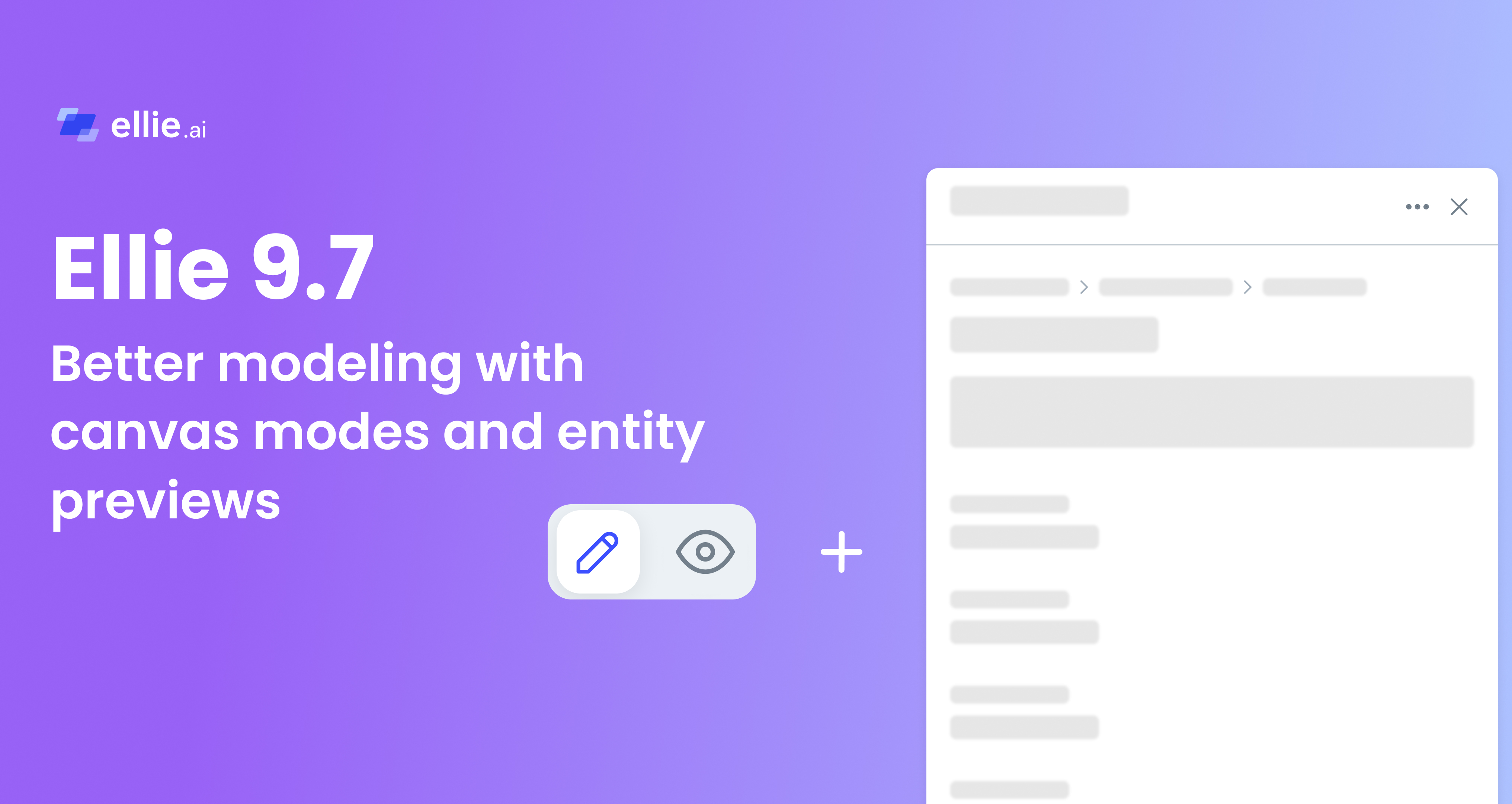
The canvas now has two dedicated modes—one for sharing, one for working:
Fewer accidental edits, more confidence when you share. See the Canvas Modes User Guide.

Checking entity details used to pull you off the canvas—or open a dialog that covered the model. Either way, you lost your place.
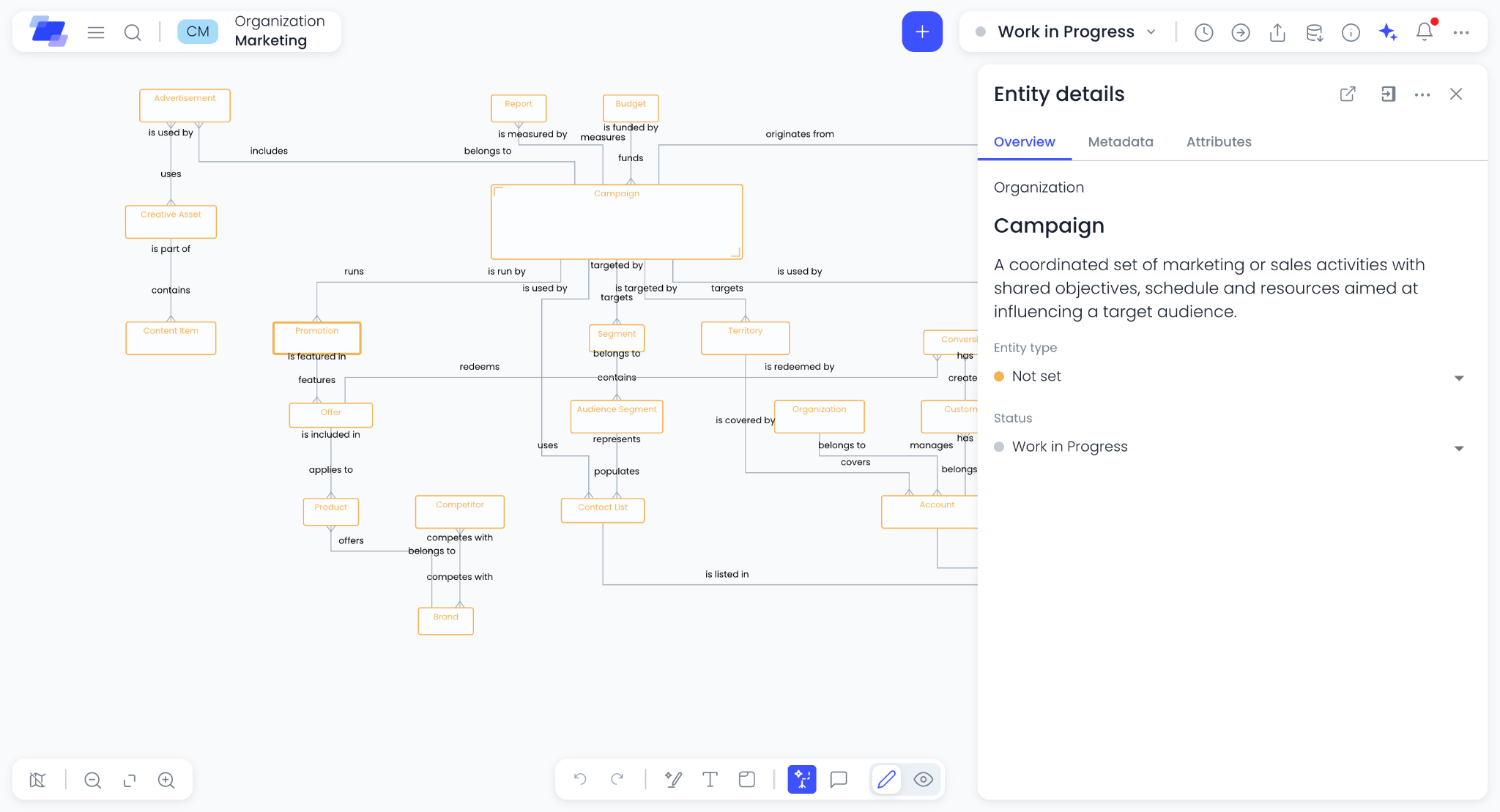
Now everything stays in one window. Click an entity or relationship and its details appear in a sidebar on the canvas. Attributes, metadata, and context stay within reach. You keep the model in view, with no switching between windows. Simple as that.
Tip: The sidebar is resizable—drag the edge to the width that works best for you.
---
Ready to try it? Open a model, switch modes from the toolbar, and click an entity to see the sidebar in action. Questions or feedback? Reach us at support@ellie.ai or through in-app help.