
Models are where your team makes decisions. But acting on those decisions—creating a ticket, kicking off a review, updating documentation—still means leaving Ellie and switching to another tool. Action Triggers close that gap.

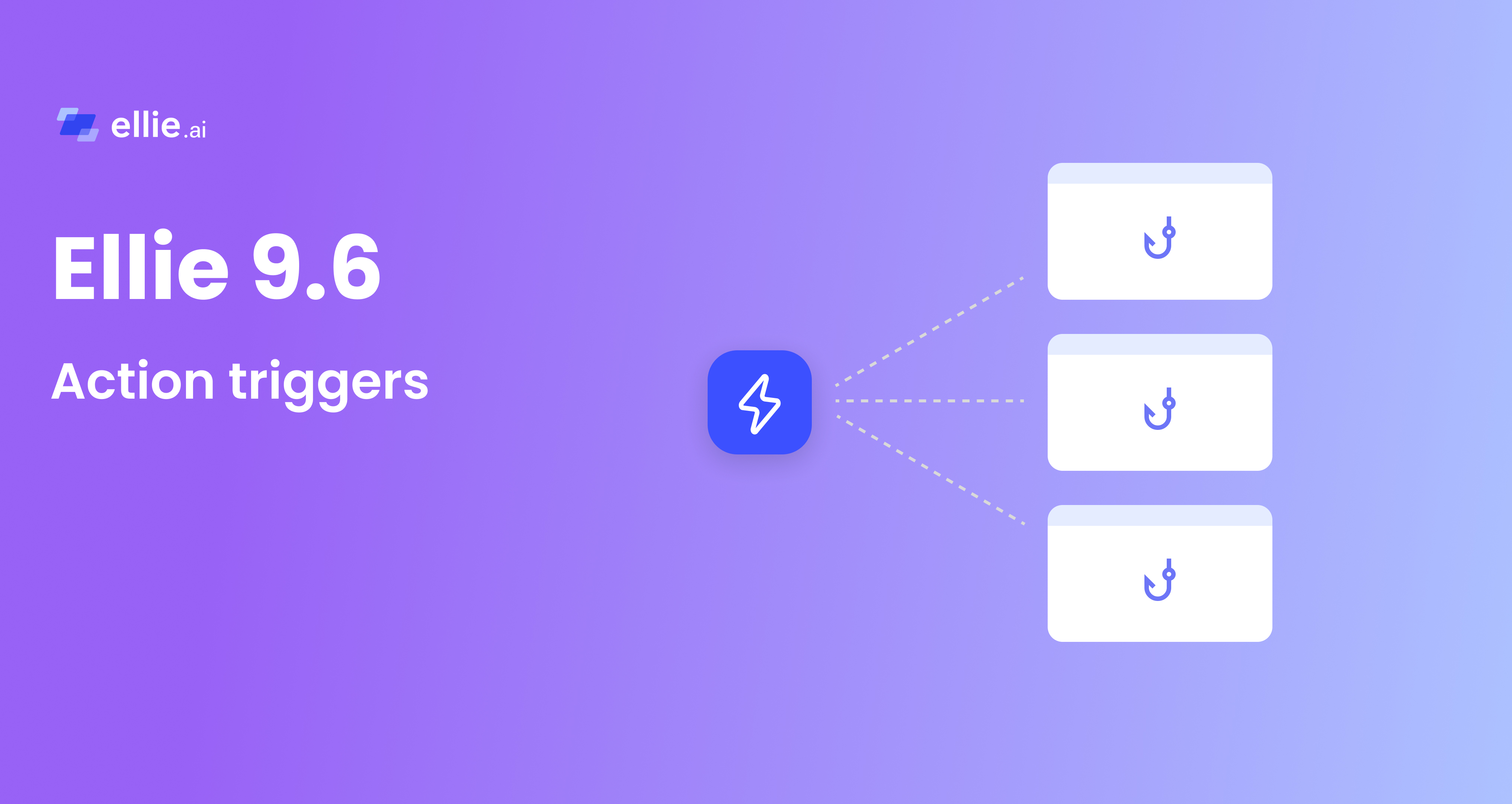
Action Triggers let you send an HTTP request to any webhook endpoint directly from a model. Click the lightning-bolt icon in the toolbar, pick a trigger, and Ellie fires the request—passing model context along automatically.
Admins configure triggers once in Admin Tools. Modelers run them with a single click. No setup needed on the modeler side.
A few things teams use Action Triggers for:
Each trigger passes {modelId} and {organizationSlug} to the receiving system automatically, so there's no ambiguity about where the request came from.
See the Action Triggers User Guide and the Reference Validation with Action Triggers guide for a worked example.
Ask your admin to set up Action Triggers for your organization—and start running workflows without ever leaving the model. Questions or feedback? Reach us at support@ellie.ai or through in-app help.